Palo Alto - Zero Trust and NAT
Zero Trust and NAT
Part A: Perform the following actions on the firewall:
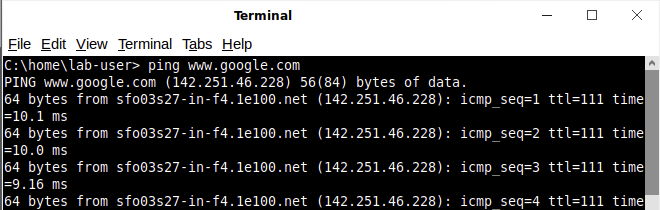
Before apply the lab3 configuration, ping google is successfully.

After the lab3 configuration is applied, ping is not successfully.
- Ensure that you use TAGS (color code)
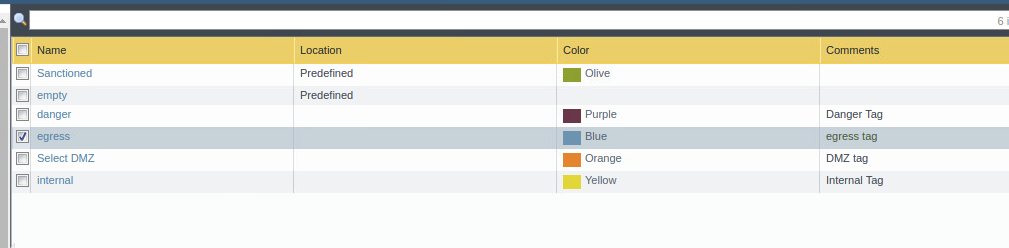
Tag color code is setup.
- Change the admin password
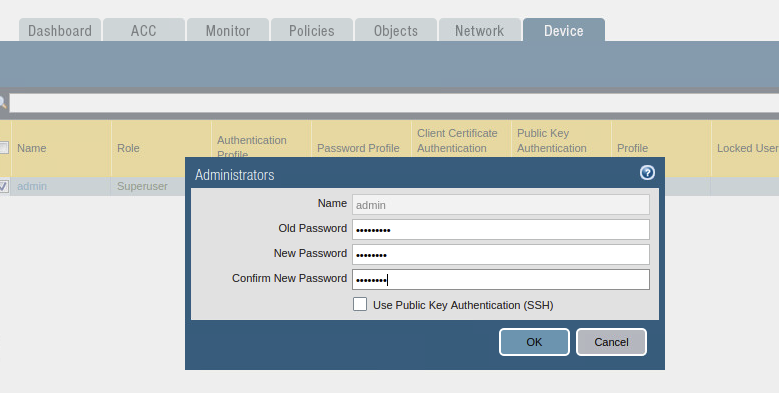
Changed admin password to P@ssw0rd
- Create a user that has access to all of the logs (including packet captures)
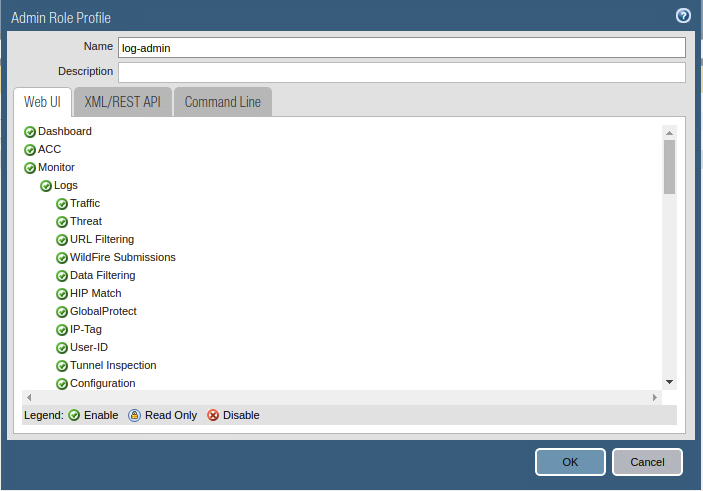
Created user log-admin policy
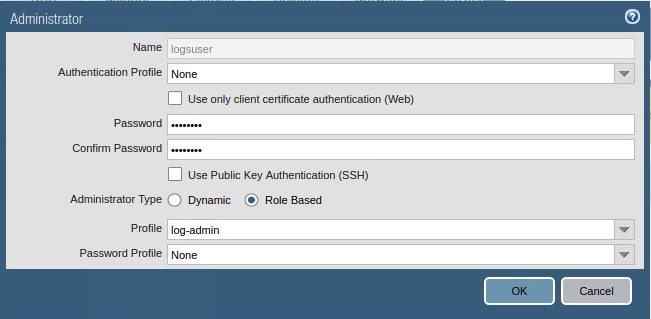
Created logsuser using log-admin role.
- Replace the security certificate on the firewall

Generate certificate jimmylab03
Part B: Nat and Security Policies
- Create and associate Zones with interfaces
 Zones with interfaces
-
Create rules/policies to allow the below ports/services to be accessed from the internet
-
Ensure that you utilize tags (color code)
-
DMZ- Ports: 80, 21, 22
-
Windows- Ports: 25, 3389
-

Setup the color tags
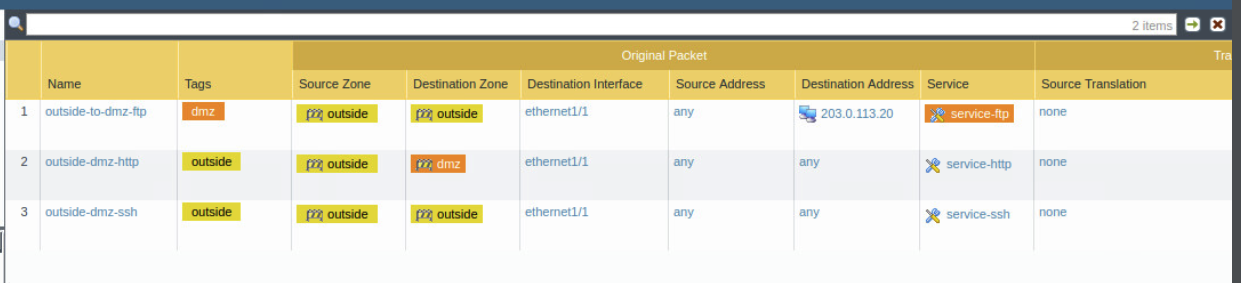
NAT rules for outside to dmz ftp / http / ssh
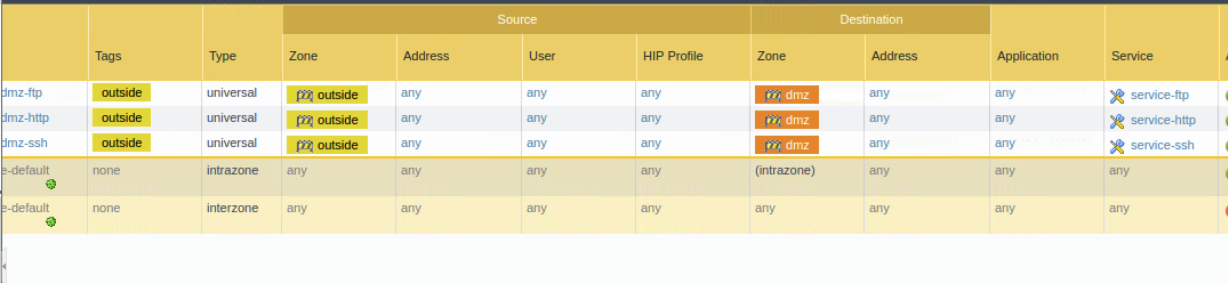
Policy for outside to dmz ftp / http / ssh
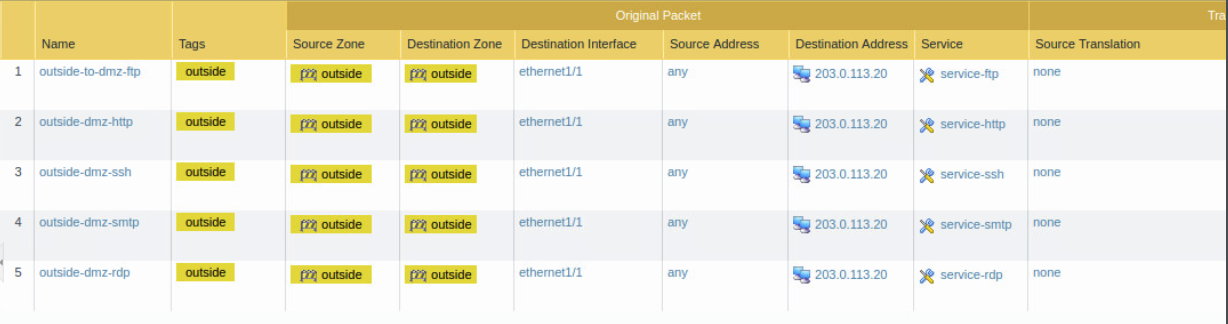
NAT port 25 and 3389 for windows
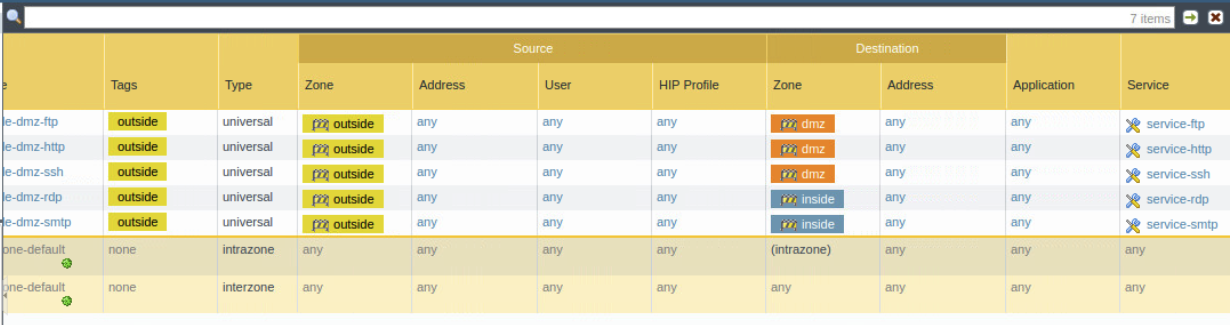
Policy for port 25 and 3389 for windows
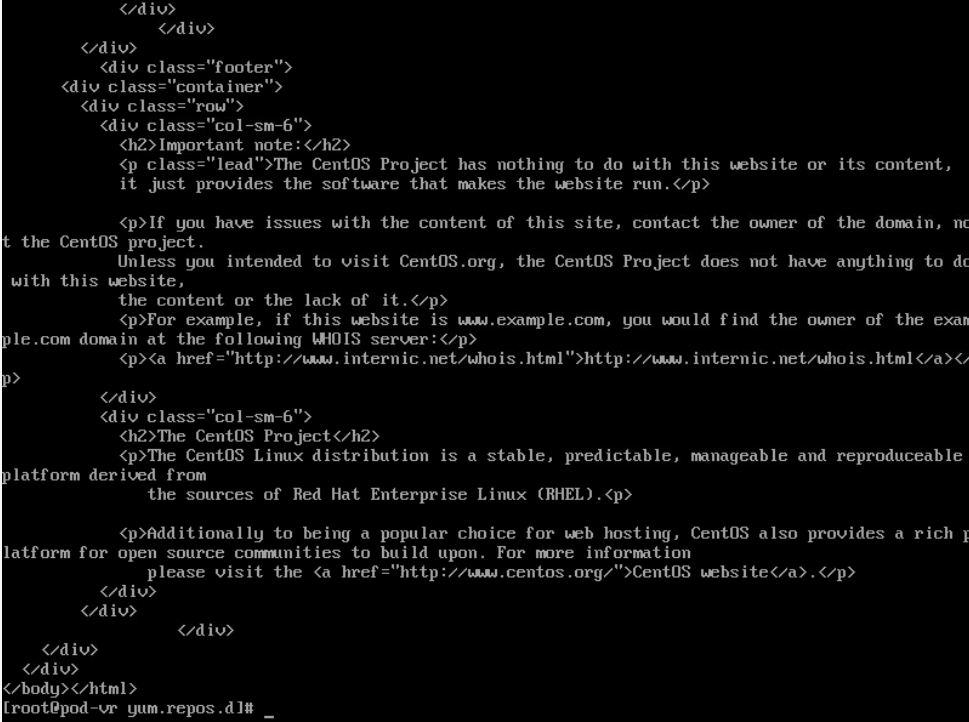
Port 80 can be access with curl command
- Create a rule/policy to allow the Windows system to FTP to the DMZ system

NAT Windows inside to dmz ftp

Policy windows inside to dmz ftp
Part C: Packet Capture and Analysis (using nmap)
-
Log in as a user with log rights that you created earlier
-
Setup packet capture on the firewall. Capture drop, firewall, and received packets
-
Install NMAP on the external router
-
yum install nmap (you can use curl if we do not get nmap installed in time)
-
Run the below nmap scans against the firewall to ensure that the correct ports/services are open
-
nmap -sS x.x.x.x
-
nmap -sS -p80, 21, 22 etc x.x.x.x.
-
-
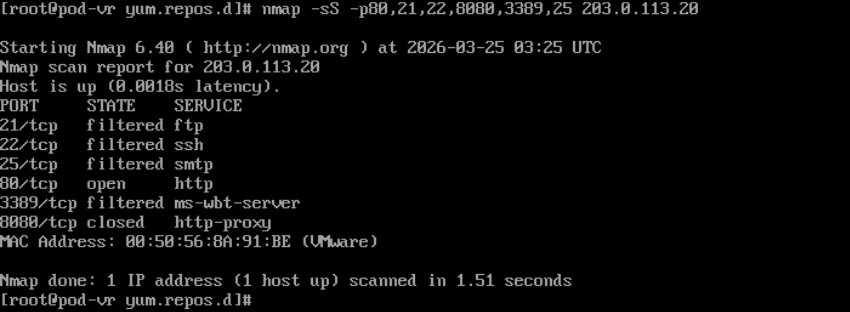
Nmap scan to show the port open at firewall
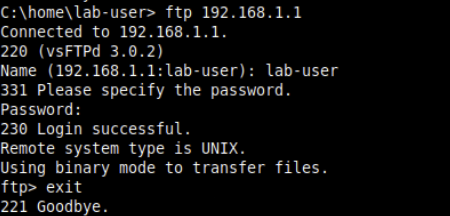
Ftp from inside to DMZ
-
FTP from the external and from the Windows system onto the DMZ FTP server.
- Are you able to view the different logs generated
I don’t see the logs generated when I connect the FTP but I can see the Hit Count in NAT rules and Policy rules.
-
Analyze the firewall logs within Palo Alto.
- Can you see the scanning activity?
I don’t see scanning activity in Palo Alto
- Are you able to see your ports/services open via the logs generated?
Yes, I can see the port services open via logs
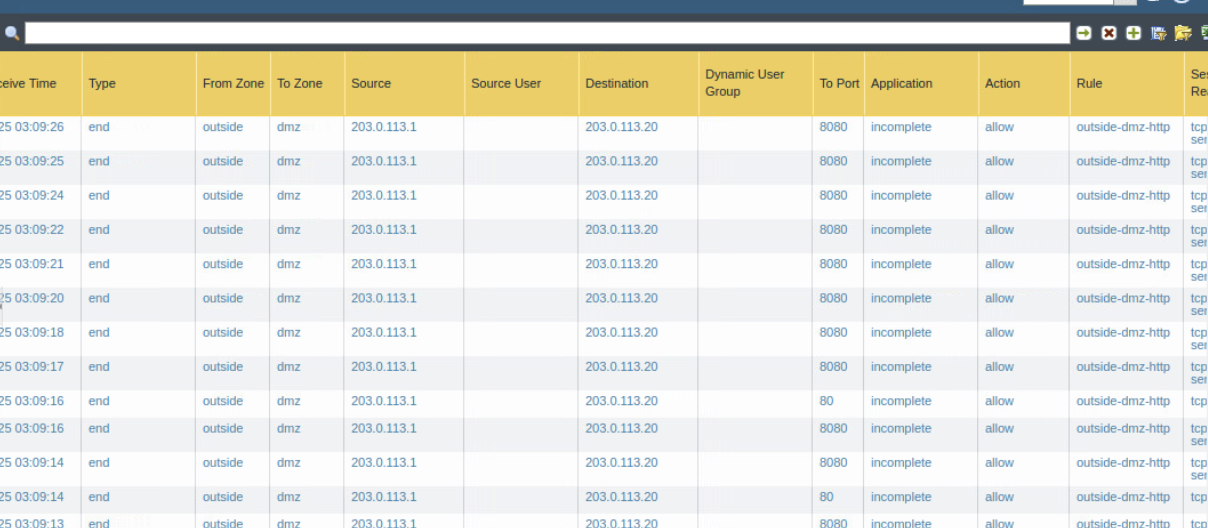
- Use the ACC network activity to analyze your firewall logs. Narrow down your view to your outside ports/services
I can see the services in ACC as following

-
Utilize Wireshark to view the logs that Palo Alto created.
- Did the Palo Alto pcap logs capture the above activity?

Yes the pcap logs shows the nmap scan